







Reverse face search engines allow users to upload an image and find matching faces across the internet. The best free tools include Google Images, PimEyes, Yandex, and FaceCheck.ID. These platforms use AI-powered facial recognition to identify people, detect fake profiles, and locate image sources, making them essential for online safety and identity verification.
Key Takeaways
- Reverse face search tools help verify identity and detect fake profiles
- Lenso.ai and Eyematch offer the best facial recognition accuracy,
- PimEyes and Yandex offer best in class recognition.
- Google Images and Bing Visual Search are great free alternatives
- Use multiple tools for better results
- Ideal for security, research, and social media verification
In today’s digital world, images speak louder than words—but they can also hide the truth. Whether you’re trying to verify someone’s identity, find the original source of a photo, or detect fake profiles, reverse face search engines have become powerful tools.
With the rise of AI, deepfakes, and online scams, using a free reverse face search tool is no longer optional—it’s essential. These tools allow you to upload an image and instantly find similar or identical faces across the internet.
In this guide, we’ll explore the top 10 reverse face search engines for free, along with their features, pros, and best use cases.
Top Free Reverse Face Search Engines (Best Face Recognition Tools in 2026)
1. Lenso.ai The Best Face Search Tool
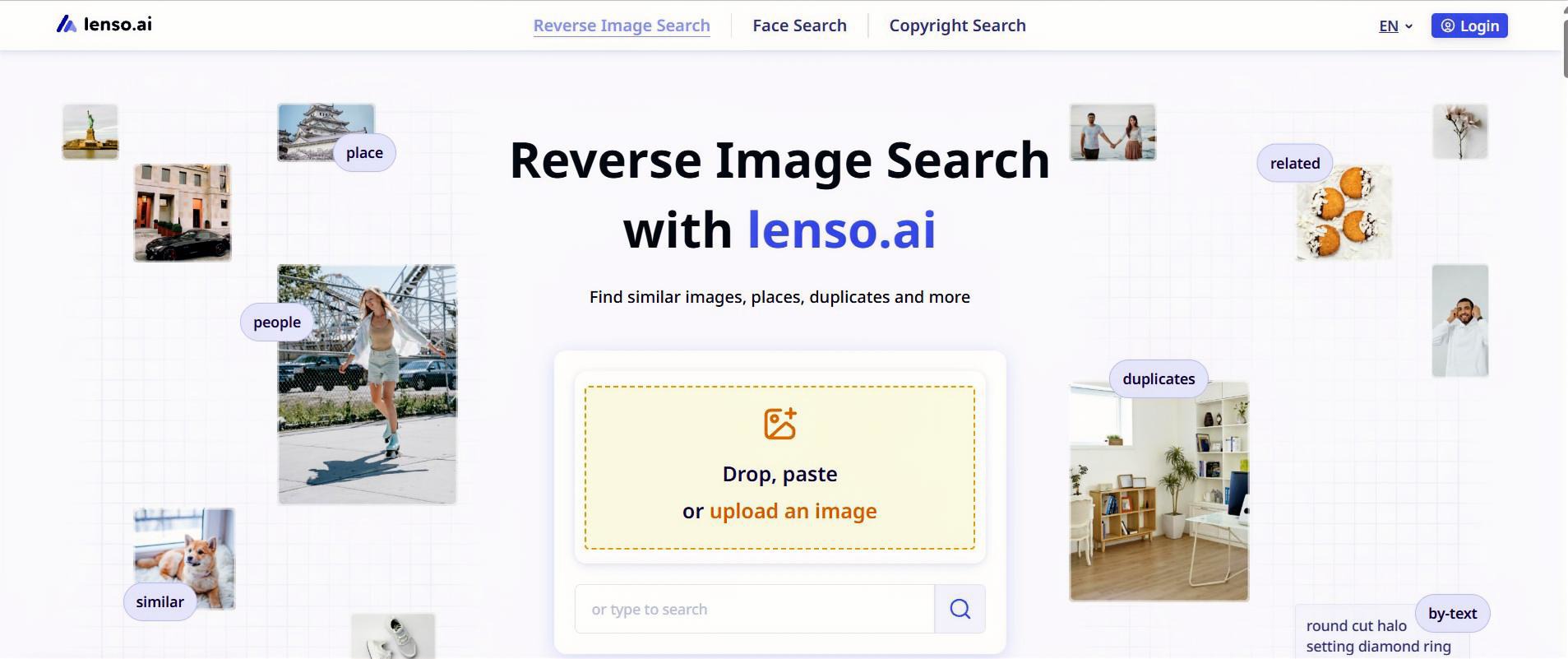
Lenso.ai is the best reverse face search tool for finding exact matches to the photo you upload. You can also refine your search using filters and sorting options, or enable Research Mode for even more facial results.
Key Features:
- Reverse Face Search
- Exact Face Matches
- Research Mode
- Face Search API
- Alerts for new images
Best For:
- Finding where your photos appear online
- Detect a potential fraud/catfish
Limitations:
- Available in selected regions
- Freemium
2. Face2social – Best for Social Media Reverse Lookup
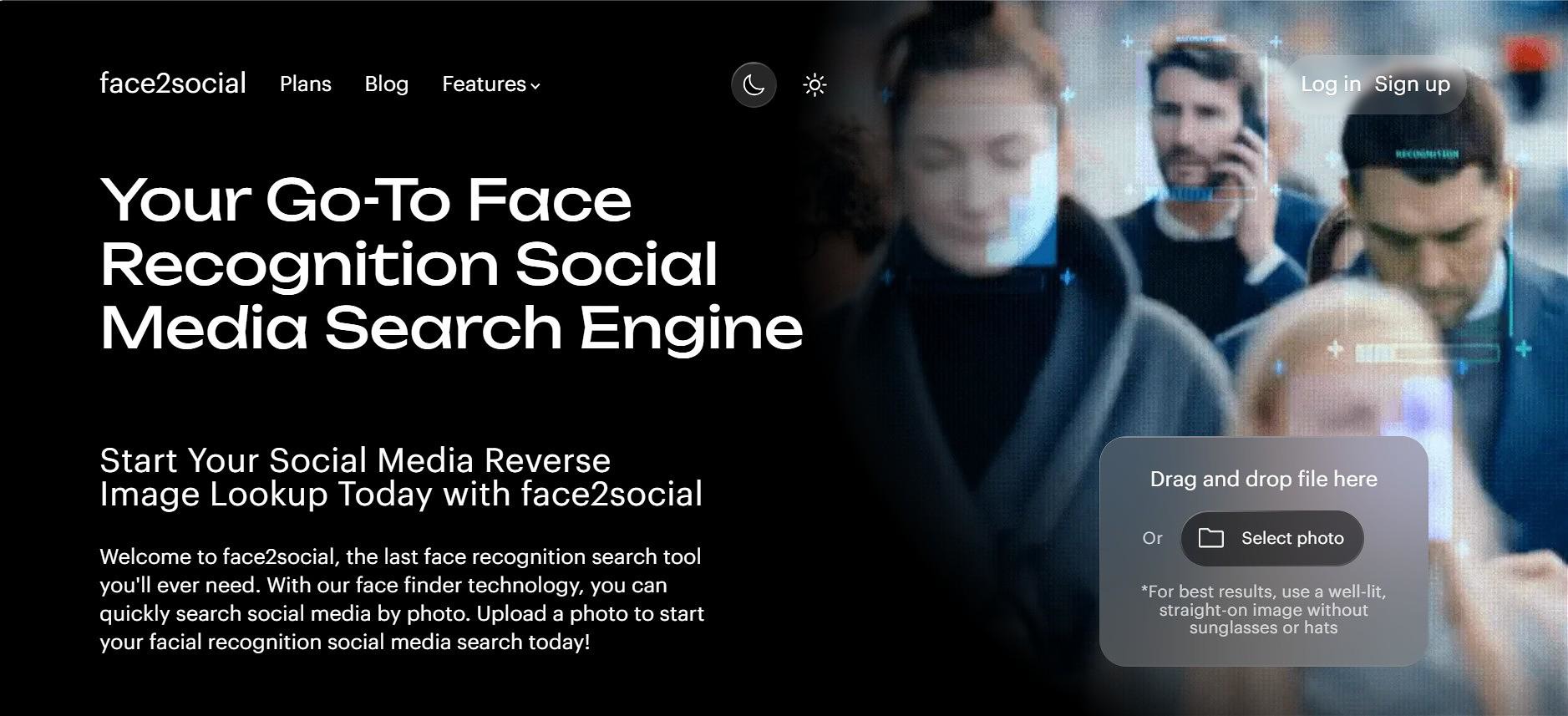
Face2social is a specialized social media reverse lookup tool that helps users find potential Instagram, Facebook, TikTok, and X profiles from a single photo.
Unlike conventional reverse image search engines that primarily look for identical image copies across general webpages, Face2social compares facial features across available profile imagery. It can surface possible matches even when different photos of the same person are used.
Key Features:
- Searches Instagram, Facebook, TikTok, and X using one photo
- Uses facial similarity rather than relying only on exact image duplicates
- Works with regular photos, dating-profile pictures, screenshots, cropped images, and clear video frames
- Provides a free results preview after signing up, before payment
Best For:
- Checking a dating-app match before meeting in person
- Investigating possible catfishing, romance scams, and fake identities
- Finding accounts connected to the same face when usernames or photos differ
- Discovering whether someone appears across multiple social platforms under different names
- Checking whether your own photos may be used for impersonation or fake accounts
Limitations:
- Results depend on photo quality and the profile imagery available for matching
- Face2social cannot access private posts, Stories, DMs, or other restricted content
- A potential match is a lead rather than proof of identity and should be verified using additional profile details
3. Google Images – Best Free Reverse Image Search Tool
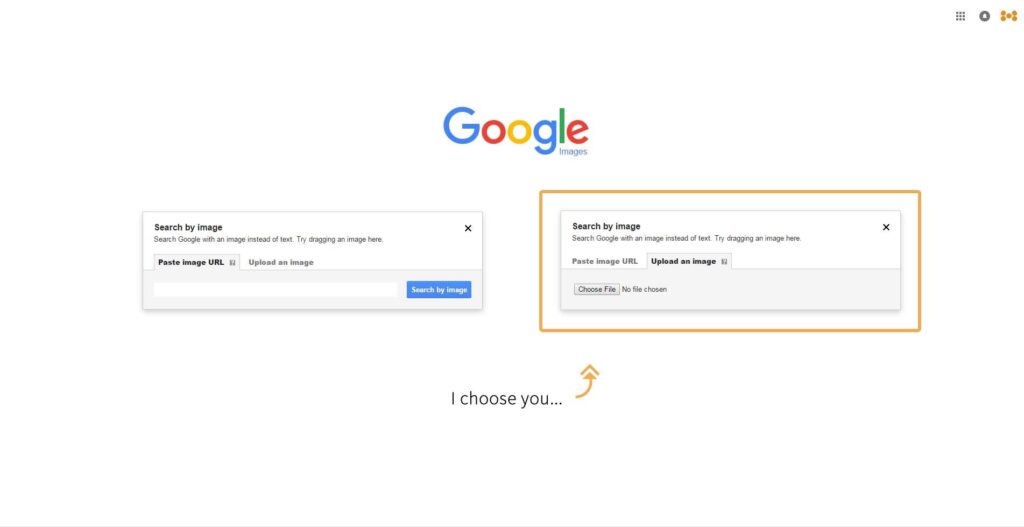
Google Images is one of the most widely used tools for reverse image searches. While not specifically designed for facial recognition, it still performs surprisingly well.
Key Features:
- Upload or paste image URL
- Detects visually similar images
- Completely free and fast
Best For:
- Finding duplicate images
- Identifying public figures
Limitations:
- Limited facial recognition accuracy
4. Eyematch.ai – New Face Search Engine
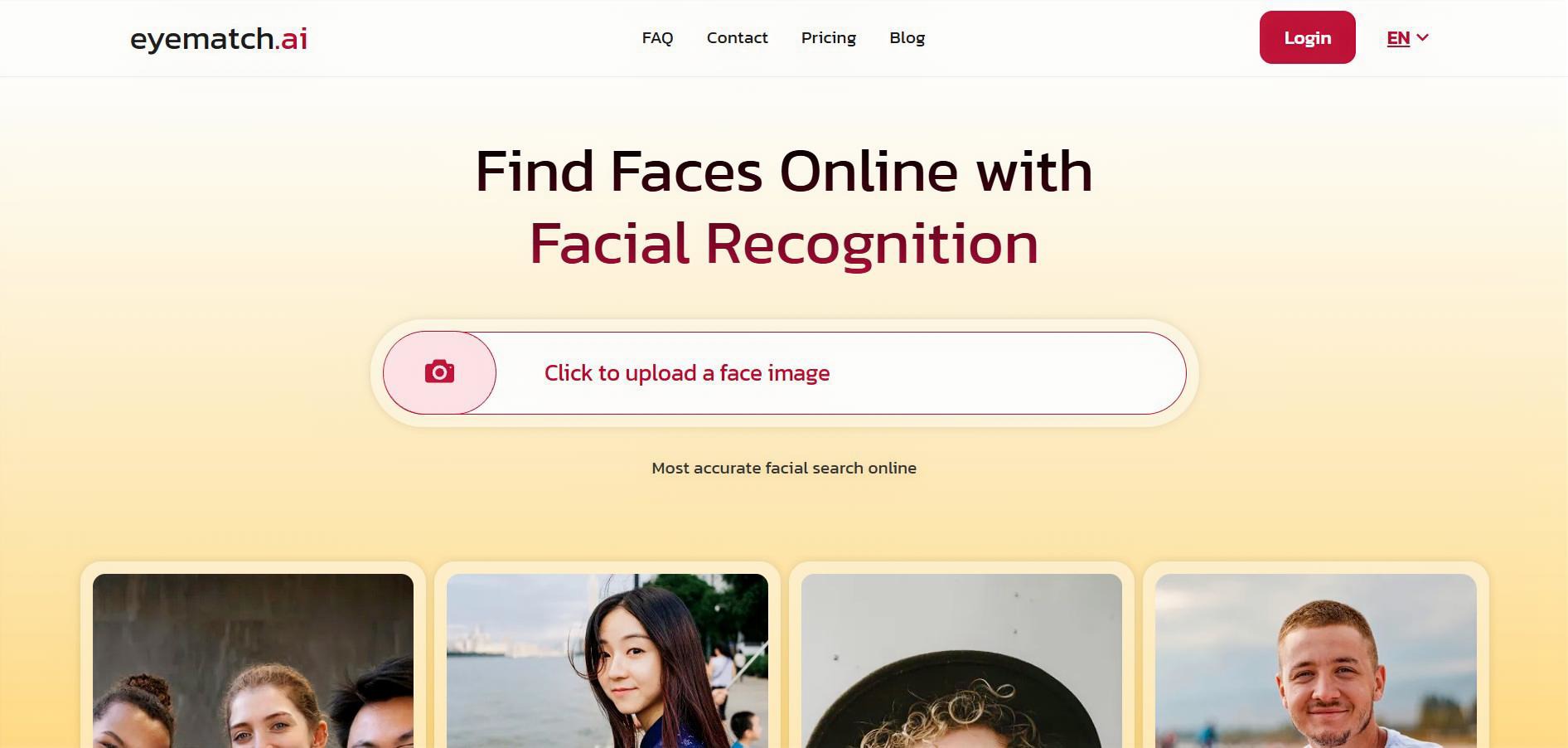
Eyematch.ai is a new facial recognition engine focused exclusively on face search. It can find exact matches for your photos. You can also upload group photos and select which face you would like to search for.
Key Features:
- AI Face Search
- Vast face search index
Best For:
- – reverse face search
- – detect potential misuse of your images
Limitations:
- Available in selected regions
- Freemium
5. PimEyes – Advanced AI Face Recognition Search Engine
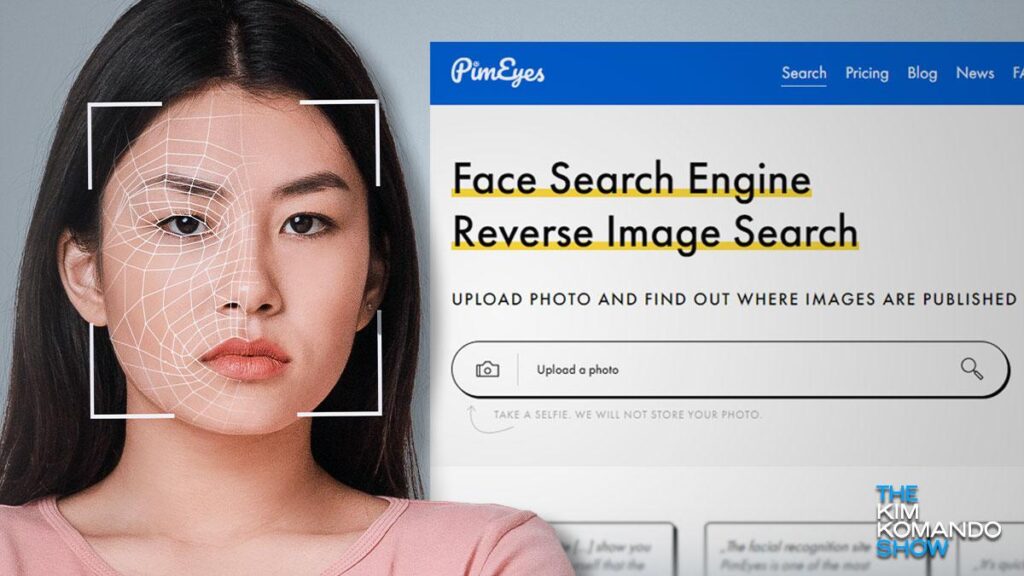
PimEyes is a powerful AI-driven reverse face search engine that focuses specifically on facial recognition.
Key Features:
- Highly accurate face matching
- Searches across multiple websites
- Real-time AI scanning
Best For:
- Finding where your face appears online
- Identity verification
Limitations:
- Free version has limited results
6. TinEye – Reliable Reverse Image Search Engine
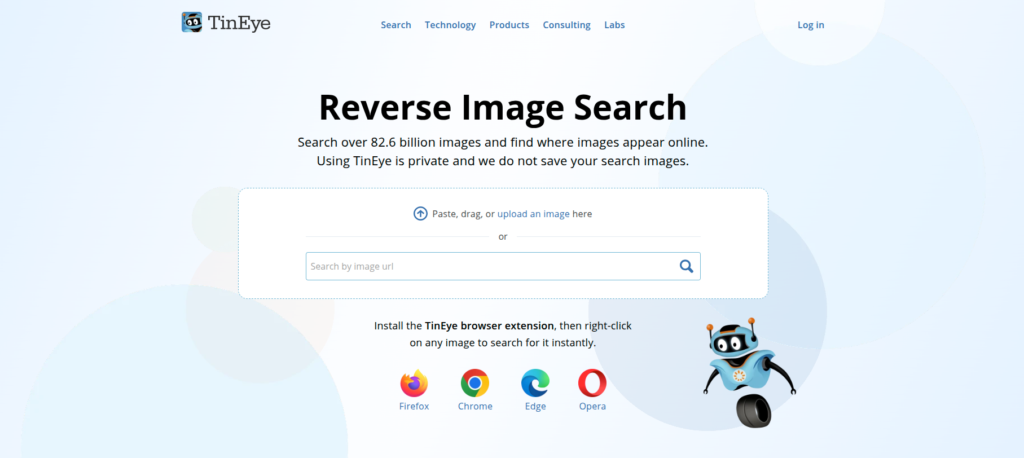
TinEye is another popular reverse image search tool known for its accuracy in finding image duplicates.
Key Features:
- Advanced image recognition
- Tracks image usage history
- Fast results
Best For:
- Copyright protection
- Tracking image sources
Limitations:
- Not optimized for face recognition
7. Bing Visual Search – Powerful Visual Recognition Tool
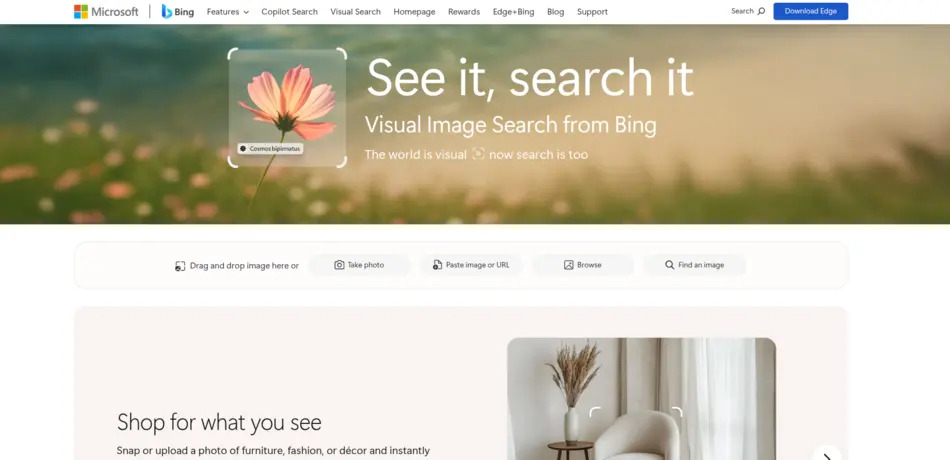
Bing Visual Search offers a user-friendly interface and decent face recognition capabilities.
Key Features:
- Drag-and-drop image upload
- Object and face detection
- Integrated with Microsoft ecosystem
Best For:
- General visual search
- Finding similar faces
8. Yandex Images – Highly Accurate Face Matching Tool

Yandex is known for its superior facial recognition capabilities compared to many Western tools.
Key Features:
- Strong AI-based matching
- Finds visually similar faces
- Works well with low-quality images
Best For:
- Finding unknown people
- Social media profile discovery
9. FaceCheck.ID – Best for Identity Verification
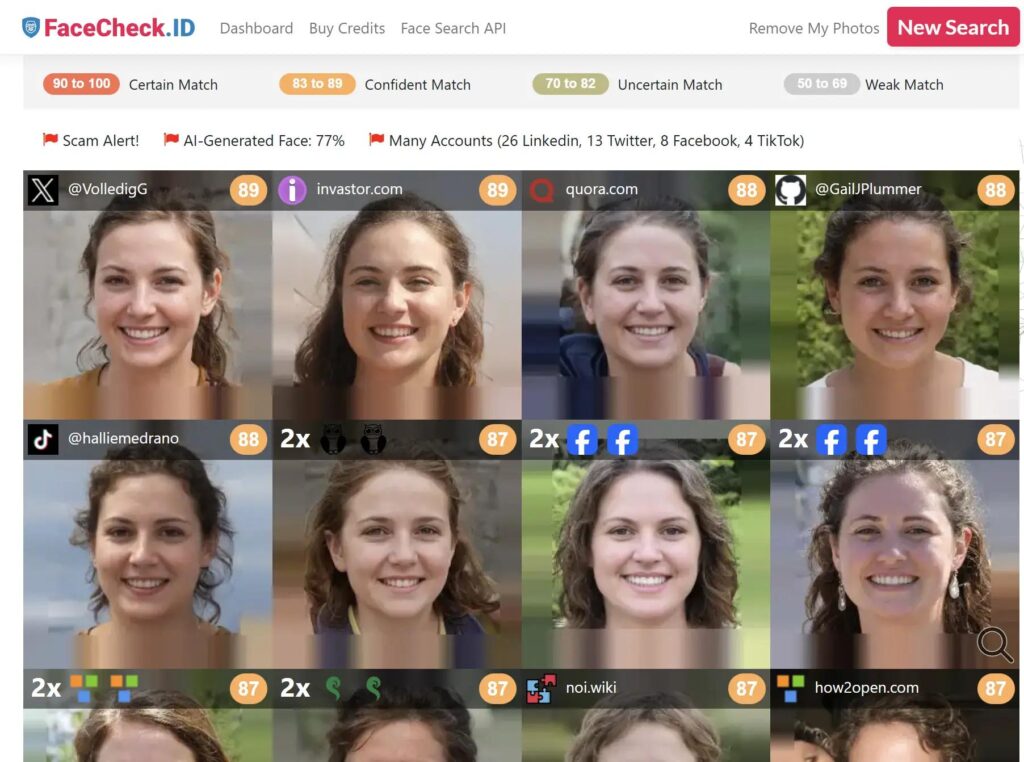
FaceCheck.ID specializes in finding people across social media and public platforms.
Key Features:
- Searches forums and social media
- Identifies potential matches
- Focus on security and verification
Best For:
- Detecting fake profiles
- Online dating safety
10. Social Catfish – Reverse Image & Face Lookup Tool
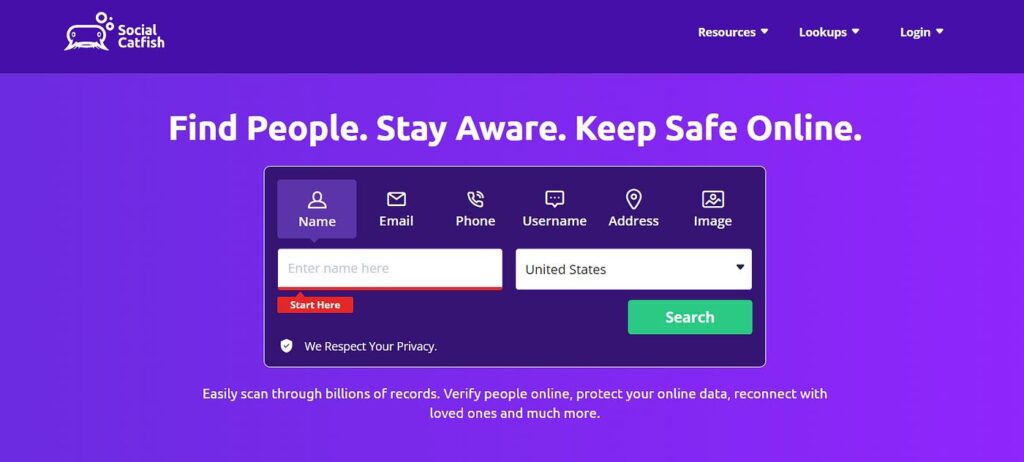
Social Catfish is widely used for online identity verification and scam detection.
Key Features:
- Face and image lookup
- Background check integration
- User-friendly interface
Best For:
- Dating verification
- Fraud detection
11. Berify – Image Matching and Face Search Tool
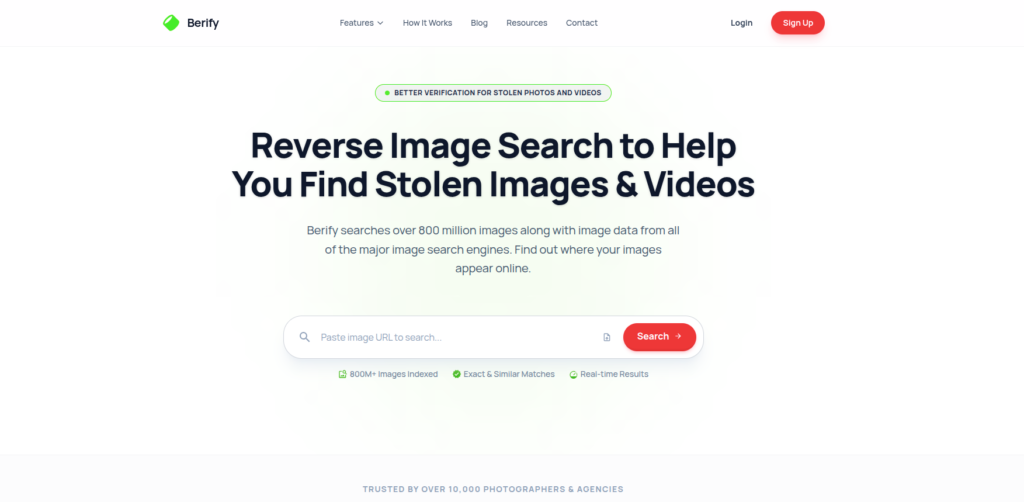
Berify uses proprietary algorithms along with Google and Bing to deliver results.
Key Features:
- Deep search technology
- Tracks stolen images
- Email alerts
Best For:
- Content creators
- Photographers
12. SauceNAO – Niche Reverse Image Search Tool

SauceNAO is particularly popular among anime and digital art communities.
Key Features:
- Identifies anime characters
- Matches digital artwork
- Fast processing
Best For:
- Anime and illustration searches
13. Search4Faces – Specialized Face Recognition Engine
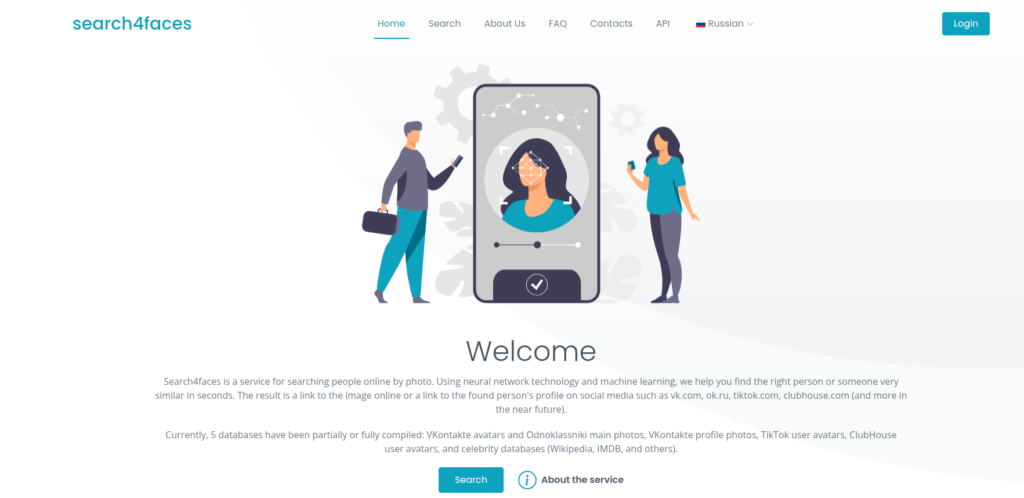
Search4Faces is designed specifically for finding people on social networks.
Key Features:
- Focus on Eastern European platforms
- High face match accuracy
- Simple interface
Best For:
- Finding profiles on social networks
Frequently Asked Questions (FAQs)
1. What is reverse face search and how does it work?
Reverse face search uses AI and image recognition technology to analyze facial features from an uploaded image and match them with similar images online. It scans databases and websites to find visually similar faces, helping identify people or verify authenticity.
2. Are reverse face search engines free to use?
Many reverse face search tools offer free versions, but they may have limitations such as restricted results or blurred images. Tools like Google Images and Bing Visual Search are completely free, while others offer premium features for deeper searches.
3. Which is the most accurate face search engine?
PimEyes and Yandex are considered among the most accurate reverse face search engines due to their advanced AI algorithms. They provide better facial matching results compared to general image search tools like Google.
4. Can I find someone’s social media using a photo?
Yes, some tools like FaceCheck.ID and Search4Faces can help locate social media profiles using a photo. However, results depend on image quality and whether the person’s images are publicly available online.
5. Is reverse face search legal?
Yes, reverse face search is legal in most countries when used for ethical purposes like verification or research. However, using it for stalking, harassment, or violating privacy laws can lead to legal consequences.
6. How accurate are free face recognition tools?
Free tools offer decent accuracy but may not match the performance of premium AI platforms. Results improve when using high-quality images and combining multiple tools for verification.
7. Can reverse image search detect fake profiles?
Yes, reverse face search can help detect fake profiles by identifying if the same image is used across multiple accounts. This is especially useful for spotting scams on dating apps and social media.
8. Do these tools store my uploaded images?
Some platforms may temporarily store images to process results, while others prioritize privacy. Always check the privacy policy of the tool before uploading sensitive images.
9. What is the difference between reverse image and reverse face search?
Reverse image search finds visually similar images, while reverse face search specifically analyzes facial features to match identities. Face search tools are more advanced and focused on human recognition.
10. Can I use reverse face search on mobile devices?
Yes, most reverse face search tools are mobile-friendly and work via browsers or apps. Google Images and Bing Visual Search are especially easy to use on smartphones.
Final Thoughts: Choosing the Right Reverse Face Search Tool
When it comes to choosing the best reverse face search engine, there’s no one-size-fits-all solution. If you want quick and free results, go with Google Images or Bing. For advanced facial recognition, PimEyes and Yandex are your best bets.
The smartest approach is to combine multiple tools to improve accuracy and get deeper insights. As AI continues to evolve, reverse face search will only become more powerful—making it an essential tool for digital safety and verification.










Leave a Reply